UNITED ARAB EMIRATES eSIM for Short TOTAL
Couldn't load pickup availability
自分の機種で使えるか不安な方は、先に接続テストをお試しください
Activation Policy: Automatically activates when connected to a mobile network.
Validity: The plan is valid for 30 days from the purchase date. After that, the service will expire and cannot be used.
Tethering/Hotspot: Supported.
Data Plan: High-speed data options ranging from 3GB to 50GB are available. After the data limit is reached, unlimited data is provided at a reduced speed of 128kbps. Unlimited full-speed data packages are also available.
Is your smartphone compatible?
30-second diagnosis in 3 steps
📋 iPhone: Settings → General → About → Carrier Lock
📋 Android: Settings → Network & internet → SIM cards → SIM lock status
⚠️ SIM unlock required
To use eSIM, please apply to your carrier to unlock your SIM first.
If you're unsure about the SIM lock status, our staff can assist you for free. Please feel free to ask for help!
Free consultation on LINE →Why DeSiM?

Plans are available in over 140 countries and regions, providing a stable internet environment at an affordable price.
Stable high-speed internet
It automatically selects the easiest network to connect to at your destination, ensuring a stable and fast connection.

Flexible pricing plans
We offer a variety of plans to choose from depending on the length of your trip and how you plan to use it. With our completely unlimited plan, you don't have to worry about speed limits. We also have a wide range of other plans available, so you're sure to find one that's perfect for you.

Reliable LINE customer support
Available 24 hours a day, 365 days a year! We will support you so that you can connect smoothly even if it is your first time using the service.
What you will receive
After your purchase, you will receive an email with the following information:
- eSIM QR code
- Easy-to-follow setup procedures (for smooth connection)
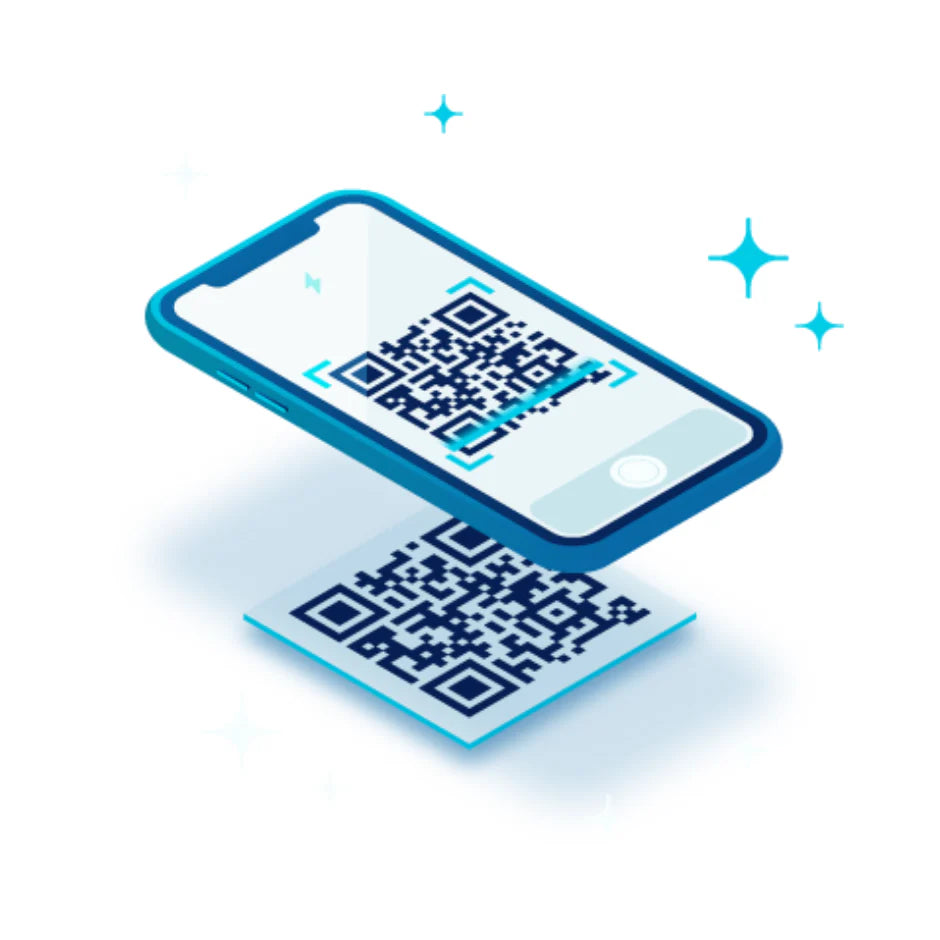
No complicated setup required!
Complete in 2 minutes by scanning a QR code
1. Go to Settings > Mobile Data.
2. Tap "Add eSIM"
3. Scan the QR code with your iPhone
We will provide you with solid support
24/7 Inquiries Accepted.
With support from our Japanese staff, we ensure that even first-time users can use our services with peace of mind.
Please feel free to contact us with any questions.
Let customers speak for us
from 278 reviews接続で困った際にLINEで相談するとすぐに返事が来て解決できました。私は不安だったので出国前にテストサービスも購入しましたが、接続方法が事前に分かり安心でした。初めてのeSIMでも簡単に利用することができたので、次回も利用させてもらいます。
LINE問い合わせ回答が早くて助かった
現地では、ストレスなく使えて、とても良かったです
ただ私の勉強不足で少し接続に戸惑いました
台北市内で使用。
回線が遅くなる事はありますが、問題なく使用できます。
利用3回目です。
トラブルが起こった際に、LINEで連絡が取れたので無事に旅行を楽しむことができた
今回も細やかなフォローをしてくださり、不安感ゼロで旅行できました!!次回も宜しくお願いします
Android機種です。APN設定に苦戦しました。
通信速度は満足です。
各国色々使っていますが、スムーズに使えて快適です。
韓国 eSIM(1~30日間) 完全無制限eSIM 即日開通 テザリング対応
台湾 eSIM(1~30日間) 完全無制限eSIM 即日開通 テザリング対応
フィリピン eSIM( 1~10日間)500MB~50GB選択可能 即日開通 テザリング対応
韓国 eSIM(1~30日間) 完全無制限eSIM 即日開通 テザリング対応
繋げるのも簡単だし、繋がるの早いし、何より安い…。このまま値段変えずにお願いします!
韓国 eSIM( 1~10日間)500MB~50GB選択可能 即日開通 テザリング対応
前回は東南アジア4カ国、その前は台湾、そして今回は中国を購入し、使いました。
LINEでのサポートも、とても親切で安心できました。通信速度も早くとても良かったです。
Frequently asked questions
I want to check the compatible devices.
- This service can only be used with SIM-free or SIM-unlocked devices and eSIM-compatible smartphones. It cannot be used with tablets or Wi-Fi routers.
- iPhone XR and later models support eSIM (including the iPhone 17 series).
- Devices in mainland China and devices in Hong Kong and Macau (excluding iPhone 13 mini, iPhone 12 mini, iPhone SE 2020, and iPhone XS) do not have eSIM functionality.
Apple : iPhone 17 Pro Max / iPhone 17 Pro / iPhone 17 / iPhone Air / iPhone 16 Pro Max / iPhone 16 Pro / iPhone 16 plus / iPhone 16 / iPhone 15 Pro Max / iPhone 15 Pro / iPhone 15 Plus / iPhone 15 / iPhone 14 Pro Max / iPhone 14 Pro / iPhone 14 Plus / iPhone 14 / iPhone 13 Pro Max / iPhone 13 Pro / iPhone 13 mini / iPhone 13 / iPhone 12 Pro Max / iPhone 12 Pro / iPhone 12 mini / iPhone 12 / iPhone 11 Pro Max / iPhone 11 Pro / iPhone 11 / iPhone XS / iPhone XS Max / iPhone XR / iPhone SE 3 (2022) / iPhone SE 2 (2020)
Samsung : Galaxy S25 / S25+ / S25 Ultra / S24 FE / Z Fold 6 / Z Flip 6 / Watch 5/6 series / S24 / S24 Ultra / S24+ / A54 5G / Fold / Note20 / Note20 Ultra / S23 / S23+ / S23 Ultra / S22 / S22+ / S22 Ultra / S21 5G / S21+ 5G / S21 Ultra 5G / S20 / S20+ / S20 Ultra / Z Flip / Z Fold 2 / Z Fold 3 5G / Z Fold 4 / Z Fold 5 / Z Flip 3 5G Fold / Z Flip 3 5G / Z Flip 4 / Z Flip 5 / Tab S9
Google : Pixel 10 / Pixel 10 Pro / Pixel 10 Pro XL / Pixel 10 Pro Fold / Pixel 9 / Pixel 9 Pro / Pixel 9 Pro XL / Pixel 9 Pro Fold / Pixel 9a / Pixel 8 Pro / Pixel 8 / Pixel Fold / Pixel 7a / Pixel 7 Pro / Pixel 7 / Pixel 6 Pro / Pixel 6 / Pixel 6a / Pixel 5 / Pixel 4 / Pixel 4a / Pixel 4 XL
Xperia (Sony) : 1 VII / 5 VI / 10 VI / 10 III Lite / 1 IV / 5 IV / 10 IV / 1 V / 5 V / 10 V
AQUOS (Sharp) : R10 / R9 pro / R9 / sense9 / wish 5 / wish 4 / Sense 7 / R8 Pro
OPPO : Reno11 A / Reno10 Pro 5G / Find N2 Flip / Find X3 Pro / Find X5 / Find X5 Pro / Reno 5 A / A55s 5G / Reno6 Pro 5G
Xiaomi / Redmi : Xiaomi 15T Pro / Redmi Note 14 Pro / Redmi Note 14 Pro+ / Redmi Note 13 Pro / Redmi Note 13 Pro+ 5G / Xiaomi 14 Pro / Xiaomi 14 / Xiaomi 12T Pro / Xiaomi 13 / Xiaomi 13 Lite / Xiaomi 13 Pro
HONOR : Magic 4 Pro / Magic 5 Pro
Huawei : P40 / P40 Pro / Mate 40 Pro
Motorola : Razr / Razr 5G / RAZR 40 / RAZR 40 Ultra / EDGE 40 Pro / G53 5G / G52J 5G / G53J 5G
OnePlus : 11 5G/12 5G
Nokia : G60 5G/X30 5G/XR21/X5
Rakuten : Hand 5G / Mini / Big-S / Big
Fairphone : 4/5
Microsoft : Surface Duo
Doogee : v30
Hammer : Exporer PRO / Blade 3 / Blade 5G
Planet Computers : Gemini/Gemini PDA
Stellar : X5
When should I set up my SIM?
- A Wi-Fi connection is required to set up your eSIM. Ideally, you should install and activate your eSIM before you depart for your trip.
- You can activate your eSIM after arriving at your destination, but please note that a Wi-Fi connection is required for the installation process.
How are plan counts determined?
Instead of counting 24 hours from the start of usage as one day, one day is counted as the period from the moment you connect to the local network until 23:59 (Taiwan time) on that same day. The time standard is UTC+8. Please note that this is not Japan time.
My line turned on while I was setting it up in Japan. Does this mean it has been activated?
- Our eSIM/SIM will become active once it connects to a local network at your destination. Please rest assured that it will not activate if you turn on the line in Japan.
Can I tether?
- Possible (operation not guaranteed as it depends on the device).
Can I extend the period or top up my data allowance?
- It is not possible to extend or add data (top-up). If you are using this for a transit (layover), we recommend purchasing an eSIM for your connecting destination as well, as local Wi-Fi may not always be available.
Can I use a SIM card and an eSIM at the same time?
- Yes. You can use two SIMs by using a SIM plan for calls and SMS, and an eSIM plan for data communication. You can use both simultaneously by making the necessary settings on your device.
- However, please be aware that if you enable the SIM plan settings, international roaming charges may apply when making calls or sending/receiving SMS.
How many times can I use an eSIM?
- An eSIM can only be activated on one device and cannot currently be transferred to another device. You cannot scan the same QR code on two devices, but some eSIM plans allow for tethering.
Can I use a SIM card and an eSIM at the same time?
- Yes, you can use two SIMs at the same time: one for calls and SMS and one for data, using a SIM plan and an eSIM plan.
- However, please be aware that once you enable the SIM plan settings, you may incur international roaming charges when making calls or sending and receiving SMS.
When should I remove my eSIM?
- If you want to continue using the eSIM, do not delete it. Once you delete the eSIM, you will no longer be able to read the QR code and it cannot be reissued.
- If your eSIM doesn't work for some reason, don't delete it.
- If your eSIM isn't working, please contact our customer support and we'll help you identify and resolve the issue.